






The Support Ticket & Live Chat Plugin Built Inside WordPress
Metamint Helpdesk is a WordPress plugin that adds live chat, AI-powered ticketing, and a full support dashboard directly to your site — no external helpdesk subscription, no data leaving your server. Connect it to WooCommerce, Slack, Discord, or WhatsApp in a few clicks.
Dont loose out on support
Support doesn’t have to be expensive. Start with our free version and extend where necessary. One license – All addons.


ADD-ONS
Extend Metamint Helpdesk with the add-ons you actually need.
Switch on only what fits your team. Every add-on below ships with one Pro license, and anything we add later does too.
MOST USED

- Where's my order?
- Shipped yesterday. Here's your tracking link.
AI Bot

WooCommerce


Multi Inbox

Zapier

- Lead score
- Buying stage
- Suggested follow-up
Lead Report
EVERYTHING ELSE

Slack Integration

Signature

Filter Emails

Discord Integration

Canned Replies

Rating & Review
TRUSTED BY FOUNDERS & TEAMS




BUILT INTO WORDPRESS
Native Integration
Runs on your server. Reads your WooCommerce data. No API middleman. You have all the power.
Instantly view a customer’s order history, subscription status, and license keys right beside their ticket — no API integration required, it’s native data access.
Metamint helpdesk trains on your documentation, FAQs, and past resolutions to answer routine customer questions automatically, 24/7.
When a ticket needs a human touch, Metamint helpdesk drafts a context-aware reply from the conversation history. Your agent reviews and sends with one click.
Publish FAQs and site-wide notices your AI agent and customers can both reference, cutting repeat tickets before they’re ever opened.
Your customer conversations live in your own database. Because Metamint helpdesk runs on your server, you control hosting, backups, and privacy compliance, not a third party.
Metamint helpdesk automatically categorizes incoming tickets, flags priority, and routes complex requests to the right agent. No manual sorting.
The WooCommerce & Core Bridge
Instantly view a customer’s order history, subscription status, and license keys right beside their ticket — no API integration required, it’s native data access.
Autonomous AI Support Agent
Metamint helpdesk trains on your documentation, FAQs, and past resolutions to answer routine customer questions automatically, 24/7.
AI-Drafting for Human Agents
When a ticket needs a human touch, Metamint helpdesk drafts a context-aware reply from the conversation history. Your agent reviews and sends with one click.
Built-In Knowledge Base & Notices
Publish FAQs and site-wide notices your AI agent and customers can both reference, cutting repeat tickets before they’re ever opened.
100% Data Ownership & Sovereignty
Your customer conversations live in your own database. Because Metamint helpdesk runs on your server, you control hosting, backups, and privacy compliance, not a third party.
Smart Ticket Routing & Triage
Metamint helpdesk automatically categorizes incoming tickets, flags priority, and routes complex requests to the right agent. No manual sorting.
Comparison Table
Start for Free and upgrade anytime. All plans include everything you need to design, build, and ship faster.
| Feature | Metamint Helpdesk | Zendesk | Freshdesk | Tidio |
|---|---|---|---|---|
| Live Chat Widget | ✅ | ✅ | ✅ | ✅ |
| Unlimited Customers | ✅ | ❌ | ❌ | ❌ |
| Unlimited Support Users | Yes | ❌ | ❌ | ❌ |
| Email Piping | ✅ | ✅ | ✅ | ✅ |
| AI Bot | ✅ | ✅ | ✅ | ✅ |
| Agentic Support | ✅ | ❌ | ❌ | ❌ |
| WordPress MCP Ready | ✅ | ❌ | ❌ | ❌ |
| WooCommerce Integration | ✅ | Needs addon | ❌ | ✅ |
| Canned Replies | ✅ | ✅ | ✅ | ✅ |
| Slack | ✅ Native Dual Sync | ✅ Native App | ⚠️ Needs Marketplace App | ⚠️ One-Way Alerts Only |
| Discord | ✅ Native Dual Sync | ❌ No (Requires Zapier) | ❌ Poor (Third-party alert only) | ❌ No (Requires Zapier) |
| Zapier Integration | ✅ | ✅ | ✅ | ✅ |
| One Admin Interface | ✅ | ❌ | ❌ | ❌ |
| Signature | ✅ | ✅ | ✅ | ✅ |
| Lead Report | ✅ | Zendesk Sell (separate paid product) | Freshdesk = Freshsales (separate paid product) | ❌ |
| Filter Emails | ✅ | ✅ | ✅ | ✅ |
| Rating & Review | ✅ 3 types (emoji, 👍/👎, ⭐) + written review | ✅ (binary, Pro+ plan) | ✅ (custom scales | ✅ (5-emoji only) |
| Client Rating | ✅ | ❌ | ❌ | ❌ |
| Multi-Inbox | ✅ | ✅ | ✅ | ✅ |
| Free Plan Available | ✅ | ❌ | 6 months free | Highly Limited |
| Pricing (10 seats & 3 inboxes) | $129/YEAR | $690/mnth | $590/mnth | $204/mnth |
The AI Integration
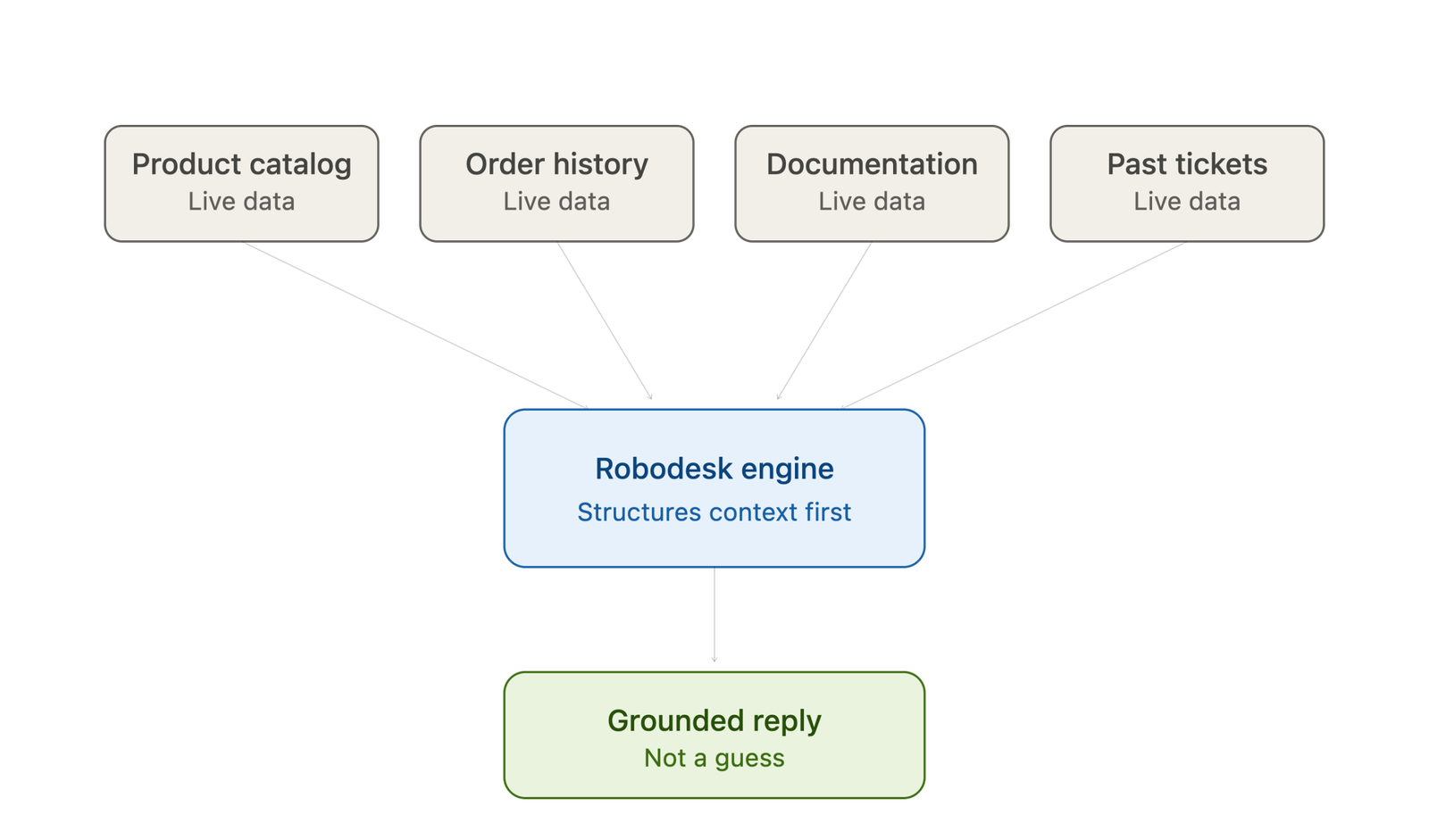
Not a ChatGPT wrapper. A support engine grounded in your own data.
Who Is It For?
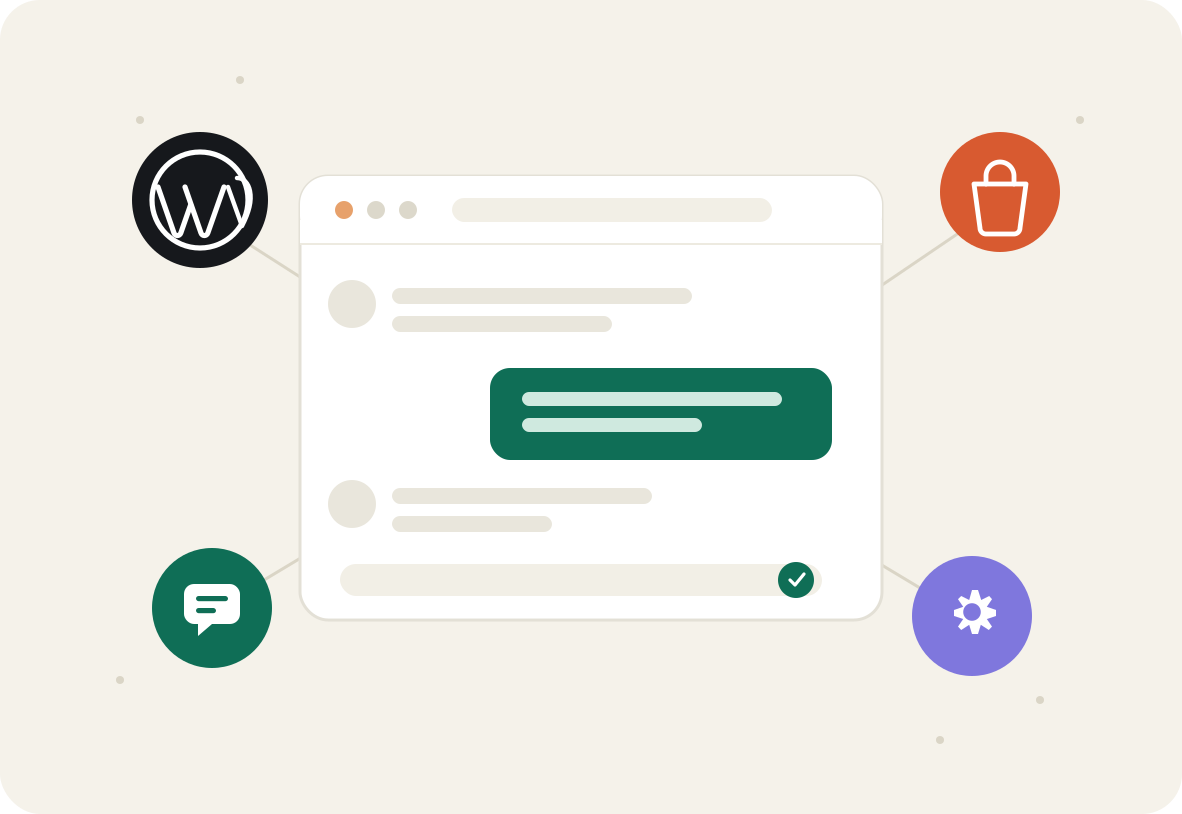
Built for the WordPress Ecosystem.
Pricing
Simple, yearly, honest
No monthly drip. No per-seat surprises. Cancel anytime, keep the plugin forever.
Free
$0
- Live Chat Widget
- Email Piping
- Unlimited Customers
- FAQ
- Notices
- Unlimited Support Users
- Dashboard Notification
- One admin interface for chat and support tickets
Addon
$129.00 /yr from second yearFor growing portfolios
$50
- Everything on Free
- AI Bot🔥
- Bot conversation to Support Ticket
- ChatGPT Integration
- Gemini Integration
- WordPress 7.0 MCP ready
- Slack Integration
- Discord Integration
- Email Filter (blacklist)
- SMTP Configuration
- Signatures
- Canned Replies
- WooCommerce Integration🔥
- WhatsApp Integration🔥
- Multiple Inboxes🔥
- Any future addons released when you have an active license.
FAQ
Asked, answered
Yes. Metamint Helpdesk reads WooCommerce order history, subscription status, and license keys natively and displays them next to each support ticket — no separate API integration needed.
Yes. The Free plan includes live chat, a frontend support dashboard, email piping, unlimited customers, and unlimited support agents. The Pro addon ($50 first year, $129/year after) adds AI features, WooCommerce integration, Slack, Discord, and WhatsApp.
No. The app does its work server-side; the storefront footprint is under 50. Metamint Helpdesk is a self-hosted WordPress plugin. It runs on your own server and stores ticket data in your own database, rather than a third-party platform.ms and Core Web Vitals-safe.
No. Core ticketing, live chat, and the support dashboard run entirely inside wp-admin. Some addons (Slack, Discord, WhatsApp, AI Bot) connect to external services you choose to authorize.
Metamint Helpdesk runs inside your WordPress install instead of a separate SaaS dashboard, has no per-agent pricing, and includes native WooCommerce order lookup — features Zendesk and Freshdesk require paid addons for.